



OCTUMISEr – centralized software for Cognex In-Sight cameras
Control, monitor and manage up to 99 smart cameras from one interface
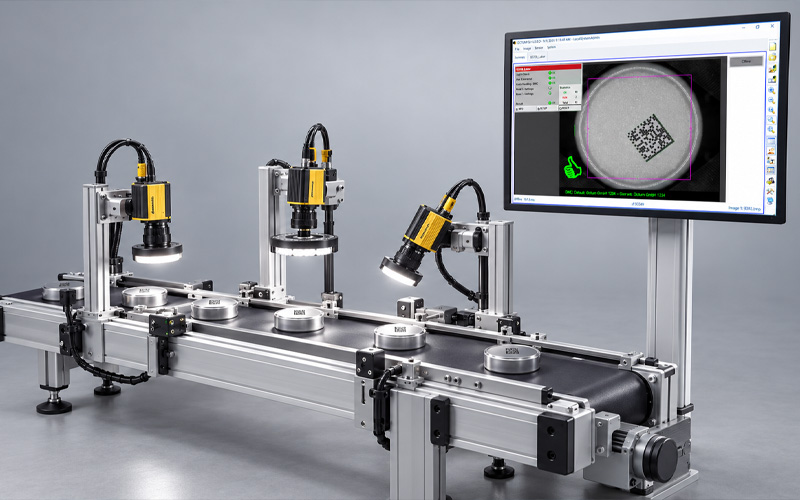
OCTUMISEr is a centralized software platform for networked vision systems using Cognex In-Sight cameras. Up to 99 cameras can be visualized, operated and managed through one consistent interface.
Inspection runs locally on each smart camera. OCTUMISEr brings camera images, inspection results, user management, image storage and system functions together in one place. This helps operators, quality assurance and service teams keep track of complex systems with multiple inspection stations.
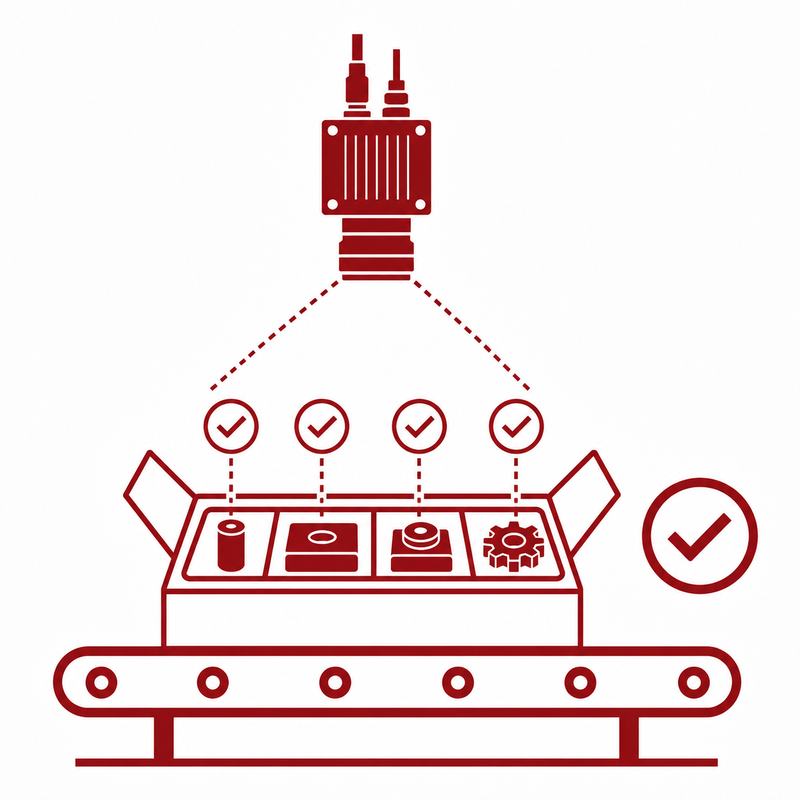
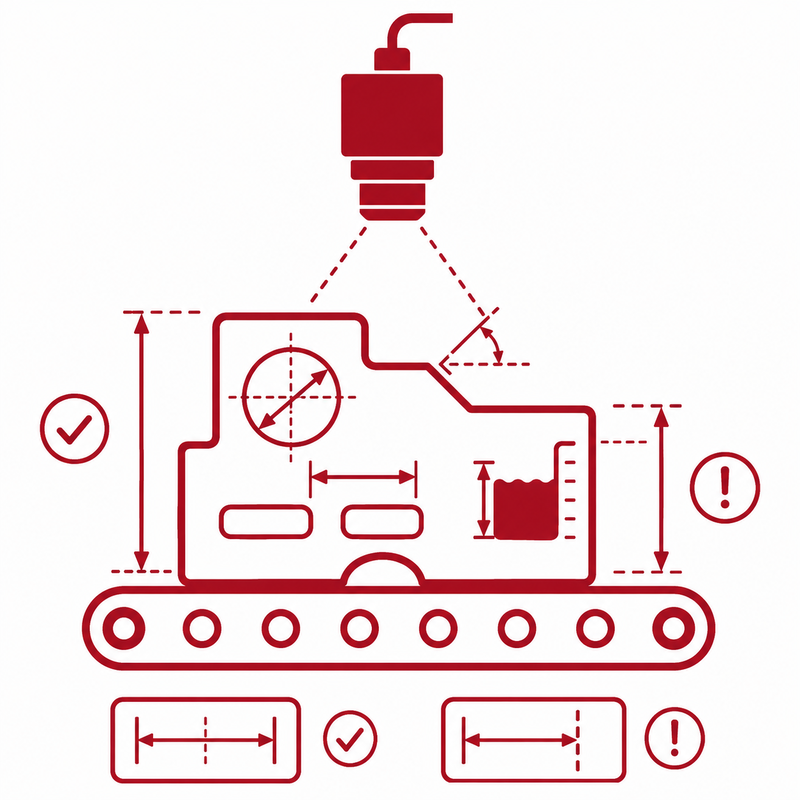
OCTUMISEr is suited to assembly checks, dimensional inspection, surface inspection, code inspection and label checks in automated production equipment, among other applications.

Any questions?
Get directly in touch with our
experts on +49 7062 91494-0
or write to us using our contact form
Decentralized inspection – centralized control
Systems with multiple smart cameras can quickly become complex. Each camera has its own inspection jobs, settings, images and user access. This can make changes and troubleshooting unnecessarily time-consuming.
OCTUMISEr brings the connected In-Sight cameras together in a single operating interface.
The software provides:
- A central overview of all inspection stations
- Visualization of camera images
- Consistent operation of multiple cameras
- Centralized management of users and access rights
- Storage of relevant inspection and defect images
- Quick access to the most recently identified nonconforming (NOK) parts
- Centralized system and diagnostic functions
Full integration of Cognex In-Sight Explorer makes it possible to edit inspection jobs without accessing each camera separately from a dedicated workstation.
Up to 99 cameras in one interface
OCTUMISEr supports the simultaneous connection of up to 99 Cognex In-Sight cameras.
Typically, one terminal controls several inspection stations on a production line. A higher-level setup is also possible in which one terminal centrally controls and monitors multiple production lines, each with its own inspection stations.
The software is therefore suited to compact inspection stations, machines and production lines with many inspection points, and centralized control of multiple lines.
Typical applications include:
- Multiple inspection positions on one machine
- Combined assembly and completeness checks
- Different cameras along a production process
- Camera-based inspection of multiple sides of a product
- Networked inspection stations in complex equipment
- Centralized operation of inspection positions in different locations
- Centralized control of multiple production lines with their own inspection stations
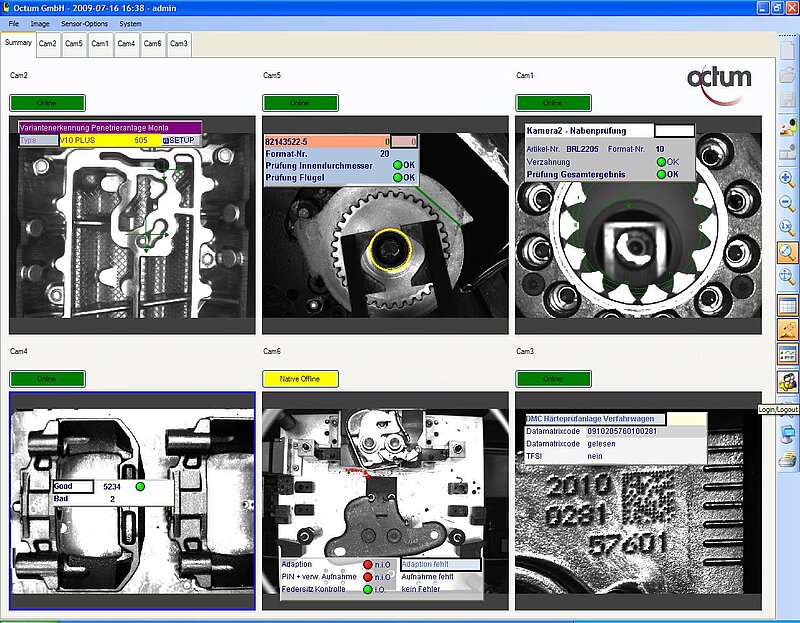
Camera images can be viewed together and examined in detail using zoom and pan functions. The interface is optimized for touchscreens.
Consistent visualization of inspection results
A centralized interface improves both operation and the ability to respond to process deviations.
OCTUMISEr clearly displays images and results from connected inspection stations. Depending on the application, it can show pass/fail results, status information, inspection features and defect images.
The display of the most recent NOK images is particularly useful. Operators and quality assurance teams can determine more quickly:
- Which product failed inspection
- At which inspection station the defect was detected
- Which inspection feature was affected
- What the detected defect looks like in the camera image
This speeds up troubleshooting and helps teams assess production deviations more precisely.
Centralized management of inspection jobs
Product changeovers, new variants and changes to inspection features require updates to camera inspection jobs.
OCTUMISEr supports centralized change management without requiring direct, individual access to every connected camera. Cognex In-Sight Explorer functions are embedded in the OCTUMISEr interface, allowing inspection jobs to be edited and managed from one place.
Depending on the system configuration, inspection programs or jobs can be:
- Selected centrally
- Edited
- Managed
- Saved
- Backed up
- Versioned
- Assigned to the relevant cameras
- Released or locked
After a restart, the most recently used inspection job can be loaded automatically. This helps the production equipment resume operation with the intended configuration.
Integrated image storage for defect analysis and documentation
Inspection images are essential for defect analysis, process optimization and quality assurance.
OCTUMISEr can store camera images centrally according to application-specific criteria. Images can be stored with or without graphical overlays.
Possible storage criteria include:
- All inspection images
- Only NOK images
- Selected defect classes
- Specific formats or products
- Defined production periods
- Event-based storage
Integrated storage monitoring helps users keep track of available capacity.
Centralized image storage makes it easier to compare recurring defects and supports traceable assessments of process deviations.
User, group and access rights management
Different user groups in production equipment need access to different functions.
Password rules, such as minimum complexity and expiration periods, can be defined. Integration with the customer’s Active Directory is optional.
System protection for production use
A production computer should provide only the functions needed for reliable operation of the equipment.
With an appropriately configured Windows installation, OCTUMISEr can block critical Windows functions and restrict access to the operating system. This helps prevent operators from accidentally changing settings or opening functions they are not authorized to use.
Required functions are instead made available in a controlled manner through the OCTUMISEr interface. For example, Windows File Explorer can be blocked while a function in OCTUMISEr provides authorized access to needed files. Integrated user, group and access rights management determines who may view, manage or delete data. This helps prevent unauthorized deletion and accidental data loss.
System protection supports:
- Stable production processes
- Clearly defined operator functions
- Protection against operating errors and data loss
- Controlled access to files and administrative functions
- Role-based permissions for data management
- Consistent system configurations
The operating and security concept is tailored to the machine, user groups and operational requirements of each project.
Backup and restore for camera systems
In the event of a system failure, having a backup is only part of the solution. How quickly production can resume also matters.
OCTUMISEr provides a comprehensive backup and restore concept for:
- Hard drives
- Databases
- Connected sensors or cameras
- Inspection jobs
- System configurations
Backups can be scheduled or triggered by events and stored on separate storage media. An event-based backup can be made, for example, before or after defined changes to inspection jobs or system configurations.
In the event of a failure, relevant system components can be restored selectively. This supports a quick restart and reduces the risk of losing inspection jobs or configuration data.
Interfaces and machine integration
OCTUMISEr is integrated into the existing automation environment as part of a machine or production line.
Depending on the project, communication and data exchange options include:
- TCP/IP
- Digital inputs and outputs
- PROFINET
- EtherNet/IP
- SQL Server connection
Depending on the system architecture, cameras can send their data directly to the PLC. Individual inspection stations and the central OCTUMISEr system can also send data to the PLC. This allows data flow to be adapted to the machine, production line and control architecture.
Information transferred may include:
- Pass/fail results
- Camera status
- Inspection readiness
- Product format and job information
- Error and diagnostic messages
- Production data
- Reject signals
For system integration, OCTUM considers not only the cameras but also triggers, cycle times, data flows, PLC communication and the operating concept. This creates a consistent integration of machine vision into the automation and production environment.
SQL Server connection for centralized job and data management
For larger system concepts, OCTUMISEr can connect to a SQL Server. The database can be used to centrally manage production-line-specific order data, such as format selection and target data.
This enables centralized and automated control of production processes across multiple lines.
OCTUMISEr and OCTUMISEr CFR – functions at a glance
OCTUMISEr brings the operation, visualization and management of multiple inspection stations together in one software interface.
| Function or feature | OCTUMISEr Base | OCTUMISEr CFR |
|---|---|---|
| Centralized operation and monitoring of multiple inspection stations | Yes | Yes |
| Up to 99 Cognex In-Sight cameras | Yes | Yes |
| Centralized display of stations and camera images | Yes | Yes |
| Consistent operation of multiple cameras | Yes | Yes |
| Integrated Cognex In-Sight Explorer | Yes | Yes |
| Centralized user management and access rights | Yes | Yes |
| Role-based permissions | Yes | Yes |
| Storage of relevant inspection and defect images | Yes | Yes |
| Quick access to recently identified NOK parts | Yes | Yes |
| Backup and Restore | Yes | Yes |
| Centralized diagnostic and service tools | Yes | Yes |
| Audit trail for relevant changes | No | Yes |
| Centralized storage of inspection jobs in SQL | No | Yes |
| Versioning of inspection jobs | No | Yes |
| Configurable password rules | Yes | Yes |
| Controlled, traceable changes to security-related settings | No | Yes |
| Support for 21 CFR Part 11 requirements | No | Yes |
| Use in regulated pharmaceutical and medical device production | No | Yes |
Multilingual interface for international production equipment
Production equipment is often used at different sites or by international teams.
OCTUMISEr can be equipped with a multilingual user interface, enabling a consistent operating concept across countries and production sites.
This supports:
- International machine projects
- Consistent operation across sites
- Training in different languages
- Standardized user guidance
The required languages are agreed upon for each project.
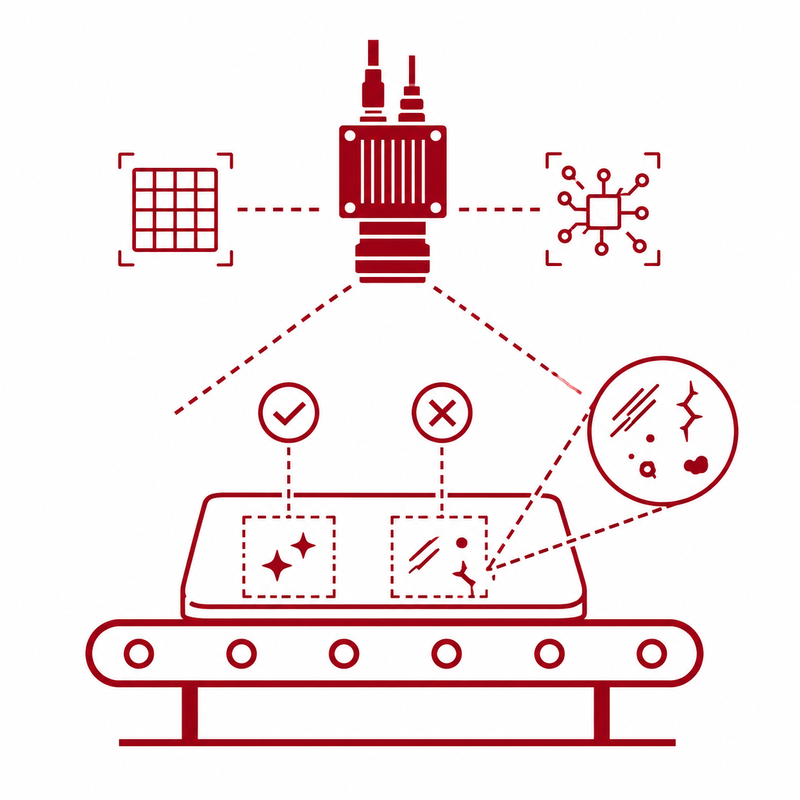
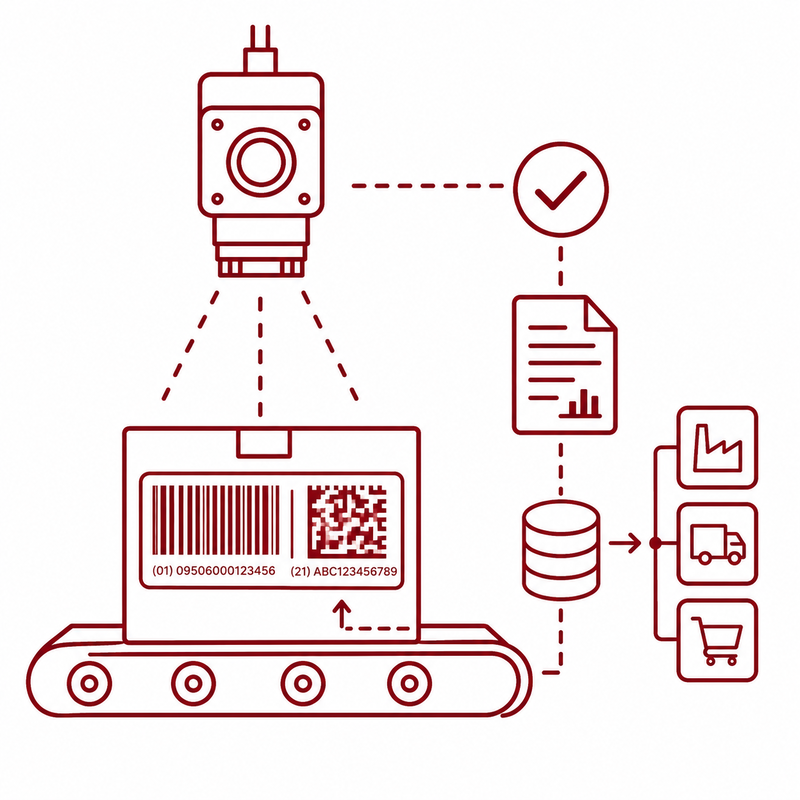
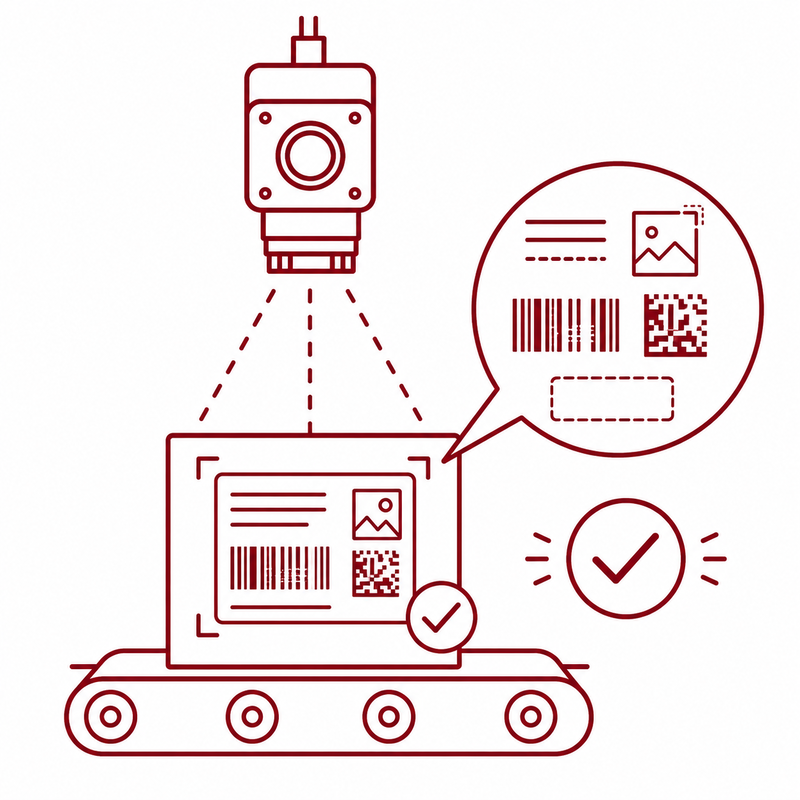
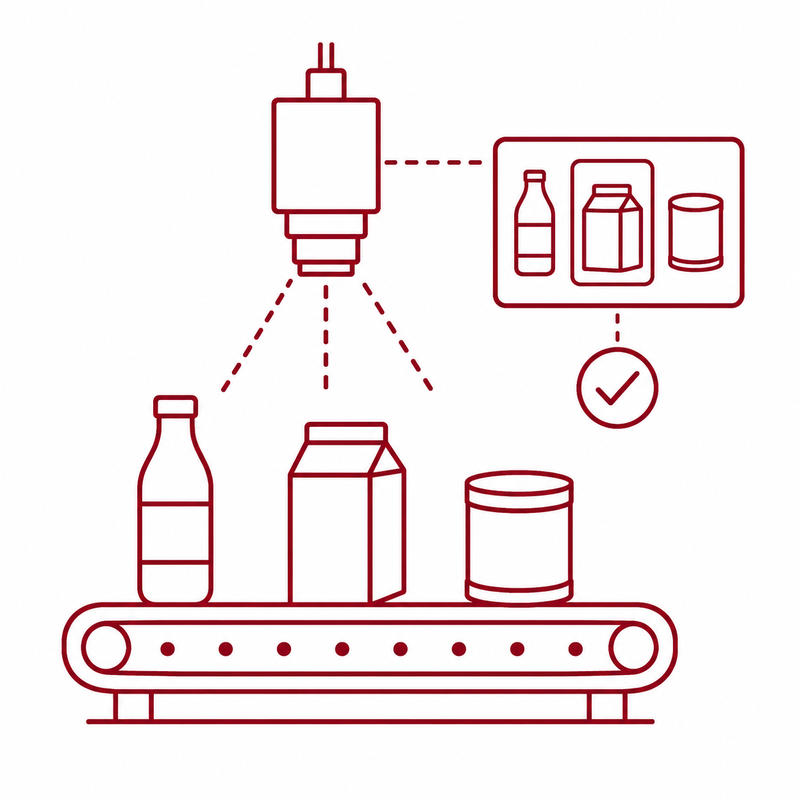
Typical inspection tasks with OCTUMISEr
OCTUMISEr can be used for a variety of inspections with Cognex In-Sight cameras.
Industries for OCTUMISEr
OCTUMISEr can be used in industrial production equipment across many sectors.
Typical applications are found in:
- Pharmaceuticals
- Medical devices
- Cosmetics
- Packaging
- Automotive
- Plastics processing
- Food processing
- Other industrial manufacturing sectors
Technical overview
- Connection of up to 99 Cognex In-Sight cameras
- Centralized visualization of all camera images
- Zoom and pan functions
- Full integration of In-Sight Explorer
- Touchscreen-optimized user interface
- Centralized user, group and access rights management
- Configurable password rules
- Optional Active Directory integration
- Image storage with or without overlays
- Display of the most recent NOK images
- Monitoring of available storage space
- Automatic startup with the most recently used inspection job
- TCP/IP, digital I/O, PROFINET and EtherNet/IP
- SQL Server connection
- Multilingual user interface
- Backup and restore functions
- CFR version with an audit trail and job versioning
OCTUMISEr as part of a complete inspection solution
OCTUM does not provide OCTUMISEr as a standalone software component. As a systems integrator, OCTUM matches cameras, optics, lighting, inspection jobs, computer hardware, operation, interfaces and machine integration to the application.
Services may include:
- Analysis of the inspection task
- Selection and design of In-Sight cameras
- Lighting and optics concept
- Creation of inspection jobs
- OCTUMISEr configuration
- PLC and machine integration
- User and access rights concept
- Image and data storage
- Backup and restore concept
- Commissioning
- Training
- Support and expansion
Is OCTUMISEr suitable for pharmaceuticals and medical devices?
OCTUMISEr CFR is available for regulated production environments. This version offers an audit trail, role-based user management, centralized data archiving and job versioning, among other functions. The specific regulatory configuration is determined for each project.
Multiple cameras. One central interface.
Would you like to operate multiple Cognex In-Sight cameras consistently, manage inspection jobs centrally and analyze defect images more quickly?
We develop an OCTUMISEr concept tailored to your machine, cameras, user roles and documentation requirements.